
Proven Solutions · Screenplify
Enterprise digital signage, built around your operations.
A proven solution — deployed across retail, hospitality, healthcare, and media networks — customised and integrated to fit your specific screen network and content workflows.
The problem we solve
Managing screens at scale shouldn't require constant IT involvement.
Most enterprises with multiple locations face the same pain: screens showing the wrong content, outdated promotions still running, no visibility into what's actually playing, and IT getting blamed for it. Screenplify was built from a real client engagement — a retailer who needed to manage hundreds of screens across locations with a small team. It's been refined through deployments in retail, healthcare, hospitality, and media environments. We deploy it to your environment, integrate it with your systems, and configure it around how your team actually works.
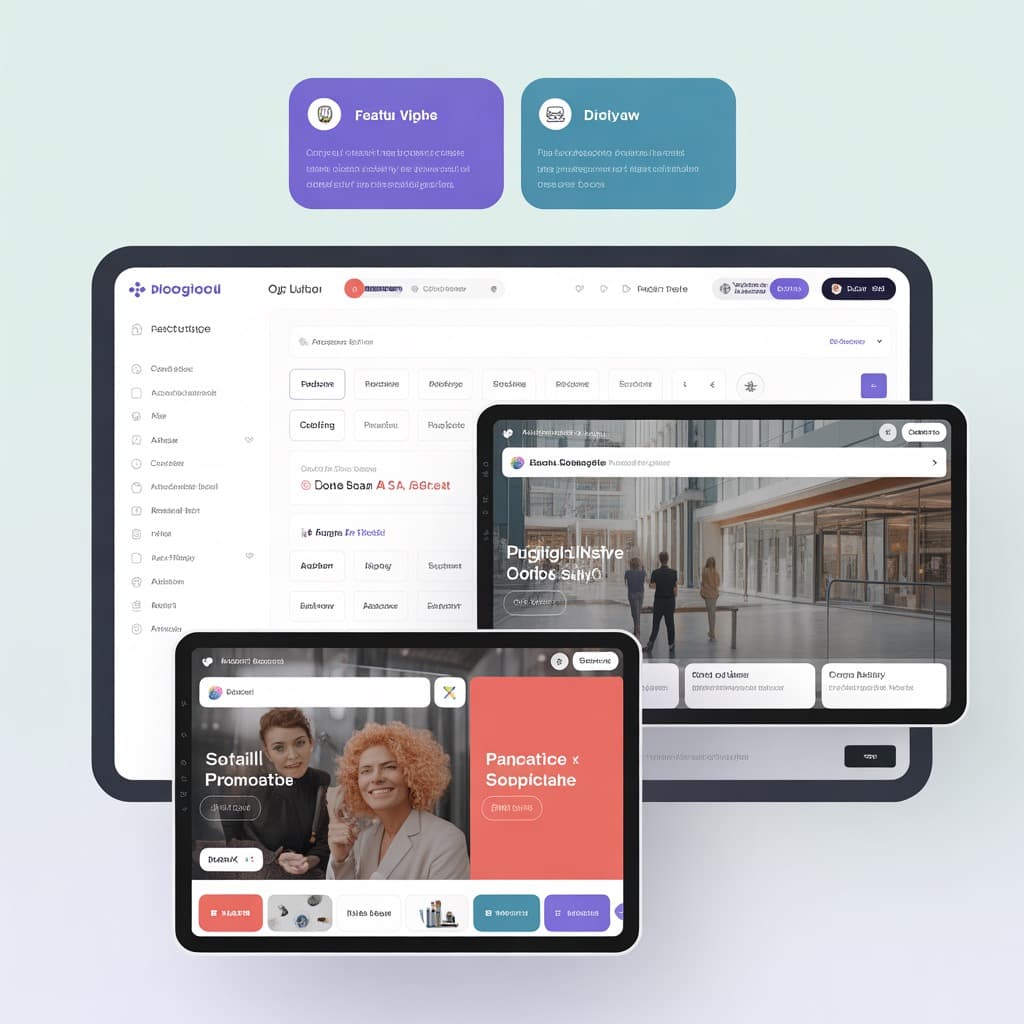
What Screenplify does
Six core capabilities.
Centralised control across every screen
Push content to any screen, anywhere, from a single dashboard. Group screens by location, floor, department, or custom tags. Update one or ten thousand at the same time.
- Group screens by location or department
- Bulk update across all screens instantly
- Drag-and-drop content editor
- Template library for common use cases
Content that runs itself
Set content to run on a schedule — by time, day, date, or event trigger. Run promotions automatically during peak hours. Switch to emergency messaging instantly.
- Time-based and event-triggered scheduling
- Automated peak-hour promotion switching
- Emergency message override
- Recurring content playlists
Real-time screen health visibility
See which screens are online, what they're displaying, and when they last synced. Get alerts when a screen goes offline. No more mystery black screens.
- Live online/offline status per screen
- Instant alerts when screens drop
- Sync status and last-seen timestamps
- Remote reboot and diagnostics
Roles that match your org structure
Give different teams access to their screens only. Marketing manages promotions. Operations manages wayfinding. IT manages everything. Roles and permissions that match how your organisation works.
- Role-based access per team or location
- Granular screen and playlist permissions
- Multi-user with audit trail
- Single sign-on (SSO) support
Proof of play and content performance
See what played, when, and on which screens. Prove campaign delivery to stakeholders. Export reports for compliance and performance reviews.
- Proof-of-play logs per screen
- Campaign delivery reporting
- Export to PDF and CSV
- Compliance-ready audit records
Dynamic content from your data sources
Connect Screenplify with your data sources — RSS feeds, weather APIs, POS systems, product databases, social feeds — for content that updates automatically.
- POS and pricing system integration
- RSS, weather, and live data feeds
- REST API for custom integrations
- OunchQ queue display integration
Where Screenplify runs
Built for enterprise environments across industries.
Retail
Promotions, pricing, brand campaigns, and in-store entertainment across all locations. Sync flash sales with your POS. Update prices across 50 stores in under a minute.
Hospitality
Welcome displays, event schedules, wayfinding, and brand experiences for hotel lobbies, conference centres, and F&B venues.
Healthcare
Patient communication, waiting area information, wayfinding, and health messaging — compliant, calming, and easy for non-technical staff to manage.
Corporate
Reception displays, meeting room signage, internal communications, and visitor information for modern office environments.
Media & OOH
Enterprise-grade content delivery for media networks managing large screen portfolios. Programmatic scheduling, proof-of-play reporting, and ad server integration.
Technical specifications
Deployment options and integration specs.
Deployed on your preferred infrastructure — cloud or on-premise. Integrates with your existing content systems, data sources, and operational platforms.
Tell us about your screen network.
We'll walk through your environment — locations, screen count, content workflows, existing systems — and scope exactly what the deployment would look like for your organisation.